
A guide to your next move.
Pick a table
Keep these details in mind. Every difficulty uses 104 cards and the same ten-column layout. One suit removes mixed-suit complications while you learn the controls. Choose Play Spider for one suit, 2 Suits for spades and hearts, or 4 Suits for all four suits. Changing difficulty opens that mode's own saved game when local saving is enabled.
Understand the layout
The key details are straightforward. Only the bottom card of each starting column is face up. The tableau begins with 54 cards in ten columns. Six cards are dealt to each of the first four columns and five to each remaining column. The stock holds fifty cards for five later deals of ten.
Make a single-card move
Keep these details in mind. An empty column accepts any exposed card, including a King or Ace. A nine can move onto a ten, and a Jack can move onto a Queen. Choose an exposed card and place it on an exposed card one rank higher. Suit does not restrict a single card's destination when the ranks fit.
Move several cards
Here is what to know. Cards move together only when they are face up, in one suit and descending by single ranks. A shorter valid segment at the bottom may still be moved separately. Select the highest card of the group you want to move. A break in suit or rank means the entire selected group cannot move as a unit.
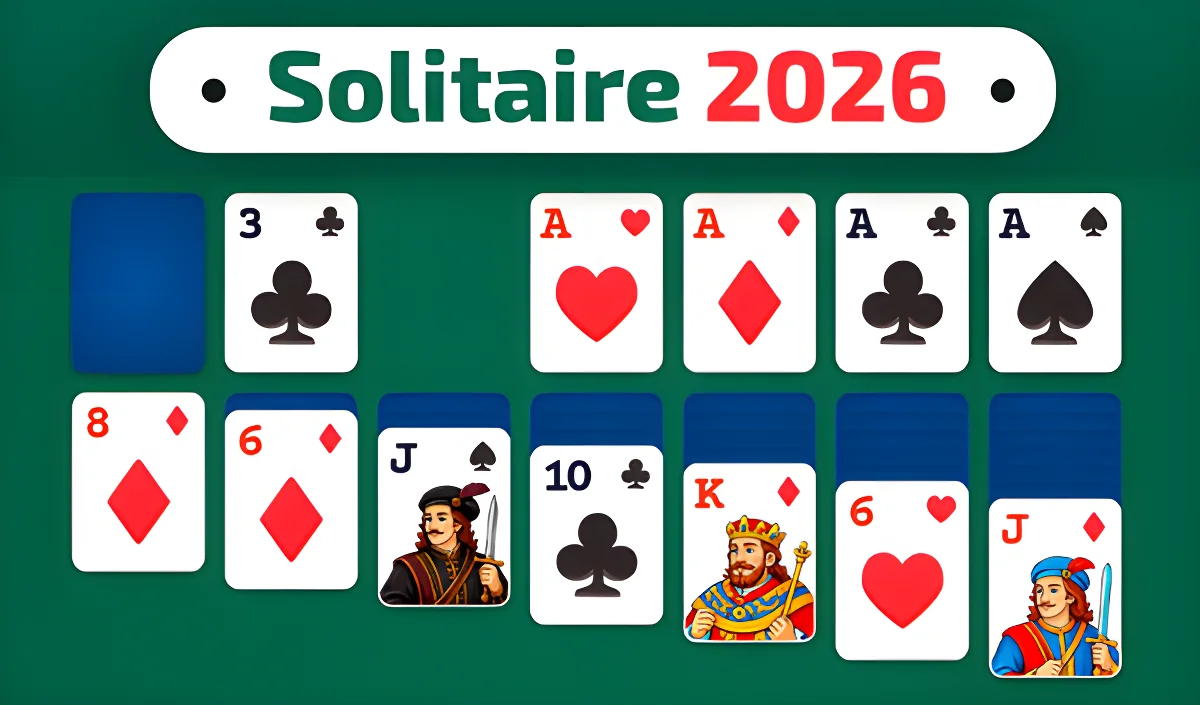
Turn the next card over
Keep these details in mind. The newly revealed card may provide a useful destination or a new group to build. You do not need a separate flip action. Moving every face-up card away from a hidden card reveals that hidden card automatically. Undoing the move restores the previous face-down state when appropriate.
A temporary workspace
On this website, the following points apply. Empty columns are useful for separating mixed suits and making hidden cards accessible. A King cannot land on another card, so it needs an empty destination. Fill all empty columns before dealing a new row from the stock. Any movable sequence can be placed into an empty column.
Deal another row
Here is what to know. A successful stock deal counts as one move in this game's counter. Undo can restore the tableau and stock to their state before that deal. Activate the stock button to add one face-up card to every column. A deal is refused if any column is empty.
Clear King through Ace
Here is what to know. A mixed-suit sequence does not qualify even if every rank is present in descending order. Arrange thirteen face-up cards of one suit from King down to Ace at the bottom of a column. The game automatically removes that complete sequence. Collect eight qualifying sequences to win.
Tap, drag or use a keyboard
The key details are straightforward. The menu, stock and game controls also work with normal keyboard focus. Keyboard users can focus face-up cards and activate them with Enter or Space. Left and right arrow keys move focus between columns, and Escape clears a selection. Click or tap a movable card and then a destination column, or drag the selection directly.
Continue or restart
Here is what to know. The Hint feature suggests a legal option without guaranteeing that the deal can be won. Replay starts the current shuffle again, while New game creates a fresh shuffle. Undo reverses recent successful actions while the stored undo history is available. Saving is local to this browser and difficulty, and can be disabled in Privacy & Cookie Settings.